TradeZella says on its own site that it has 50,000+ traders in one spot and 100,000+ active traders in another, so the honest answer is a lot of people use it, but the exact number depends on which part of the page you read. What you get for that user base is an all-in-one journal that auto-syncs with brokers like Tradovate, NinjaTrader, and Interactive Brokers, plus backtesting, trade replay, and a new AI layer called Zella AI that watches your trades and coaches you on them. For futures traders tracking Tradovate fills, crypto traders pulling Bybit history, or prop firm traders juggling more than one funded account, that auto-sync and the 50+ built-in reports can save real setup time. The gaps worth knowing before you commit are the pricing tiers, which TradeZella does not list in plain numbers on its public pages, and how its cost and setup compare to CSV-based options that skip the connection and journaling work altogether.
Table of Contents
What You Get and What It Costs
TradeZella's feature set covers five main areas: Journaling + Analytics, Backtesting, Zella AI, Prop Firm Sync, and Trade Replay. Each one is built around the idea that a trader logs trades, tags setups, and reviews patterns over time rather than getting a one-time snapshot.
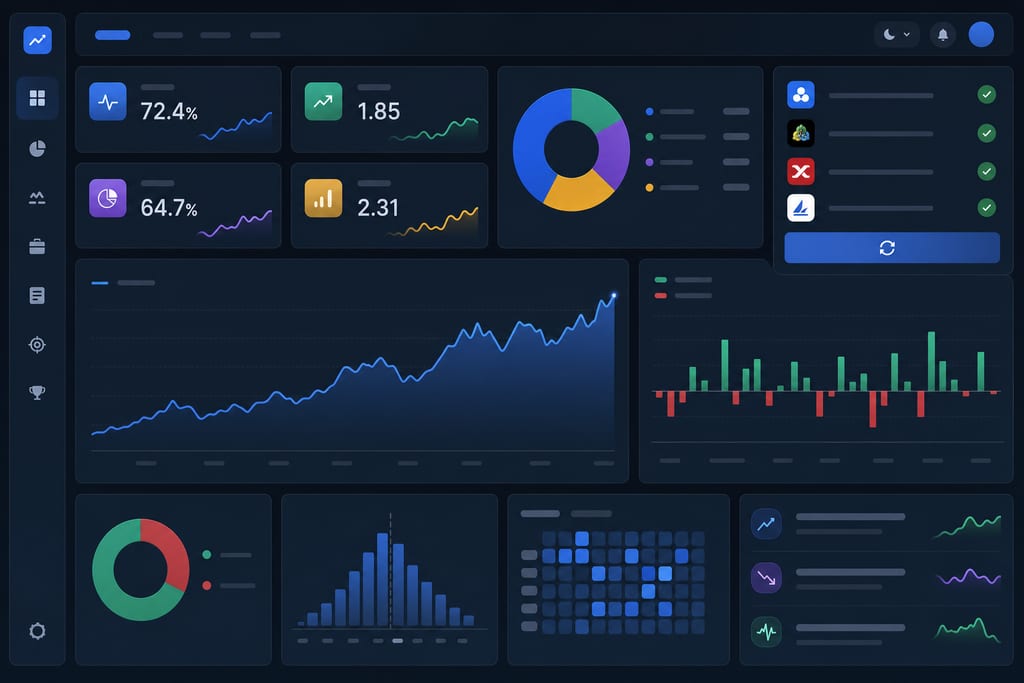
Broker support is wide. TradeZella connects through auto-sync, file upload, or manual entry to MetaTrader 4/5, NinjaTrader, Interactive Brokers, Tradovate, Robinhood, cTrader, Charles Schwab, Bybit, and more.
- 50+ built-in performance reports
- 30+ filters to slice trade data
- One Zella Score for overall trading health
- Three plan tiers: Basic, Premium, Elite
Here's where it gets fuzzy: specific 2026 dollar pricing for Basic, Premium, and Elite was not published on TradeZella's site. There's only a Pricing nav link, so you'd need to click through and confirm current cost before signing up. Free trial length and terms weren't confirmed either, so don't assume a standard 7-day or 14-day window applies.
Where TradeZella Falls Short
TradeZella only pays off once you've put in setup work. You need to connect a broker, build a tagging habit, and journal consistently before the 50+ reports mean anything, which is a real time cost for a trader who just wants a quick read on last week's trades.
TradeZella is also not a brokerage. You still execute trades on your own platform and import the data afterward, which adds a step every single session.
Independent star ratings from sites like Trustpilot, G2, or Capterra weren't found for TradeZella, so verifying real user sentiment outside the company's own pages is harder than it should be.
- Pro: wide broker support across futures, stocks, and crypto
- Pro: deep reporting, trade replay, and prop firm sync
- Con: setup, syncing, and tagging overhead before value shows up
- Con: current pricing unclear without visiting the site directly
- Con: no independent rating data to cross-check against
TradeZella vs Lighter Alternatives
TradeZella competes in a crowded field, and it says so itself. The company publishes direct comparisons against TraderVue, TraderSync, and Edgewonk, which tells you this market has multiple players fighting for the same journaling traders.
- Want deep manual journaling with tagging and broker sync: TradeZella fits that workflow
- Want an instant grade with zero setup: a CSV upload tool does that instead
- Trading futures, crypto, or a funded account: both approaches support those instruments
- Comparing annual cost: a CSV-based option can run cheaper over a year
Traders who'd rather skip the broker connection and tagging work can upload a CSV to a tool like MyTraderScore, which hands back a Trader Score and a Daily Trade Briefing without any ongoing setup, and supports exports from 25 or more brokers and platforms. The choice comes down to whether you want to build and maintain a journal, or just get a fast, graded read on how you traded last week.
Pick Your Setup Before You Pay for a Year
Open your last 30 trades and time yourself tagging and logging five of them by hand. If that felt fine and you want to build a long-term habit with 50+ reports and a Zella Score, a manual journal is the right tool for your style. If it felt like a chore, export your trade history as a CSV and run it through a grading tool like MyTraderScore before you commit to an annual plan anywhere.
Common Questions About TradeZella
Does TradeZella connect directly to my broker, or do I still place trades elsewhere?
TradeZella is not a brokerage, so you still place and execute every trade on your own platform, whether that's Tradovate, NinjaTrader, or MetaTrader. Once the trade is closed, TradeZella pulls the data in through auto-sync, file upload, or manual entry so you can review it afterward.
Can I try TradeZella before paying for a full year?
TradeZella's site does not publish a confirmed free trial length or terms, so there's no standard window you can count on before you commit. The safest move is to check the current trial offer directly on TradeZella's pricing page before entering payment details.
Is my trading data safe if I upload it to a journal like TradeZella?
TradeZella states that traders keep ownership of their own data and that the company does not sell or advertise it. If data privacy is a deciding factor for you, it's worth reading TradeZella's own privacy policy in full before uploading a complete trade history.